.png)
Traceable
Model version, source inputs, time, geography and job results stay connected to every output, so an answer can be checked later.
.png) ☰
☰Temperature MCP
Temperature MCP connects compatible AI agents to FortyGuard through the Model Context Protocol. Your agent can map heat across a site, check local conditions, find cooler routes and explain what drives the heat, inside the conversation or workflow it already runs.
Works with OpenAI Codex CLI, Cursor, Claude Code and other MCP compatible clients.
Try an example
.png)
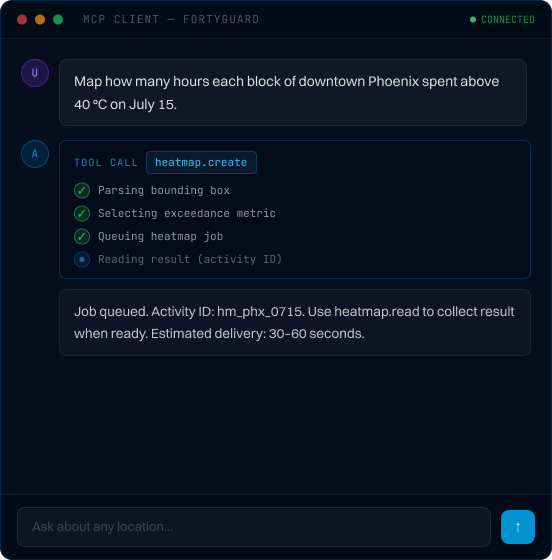
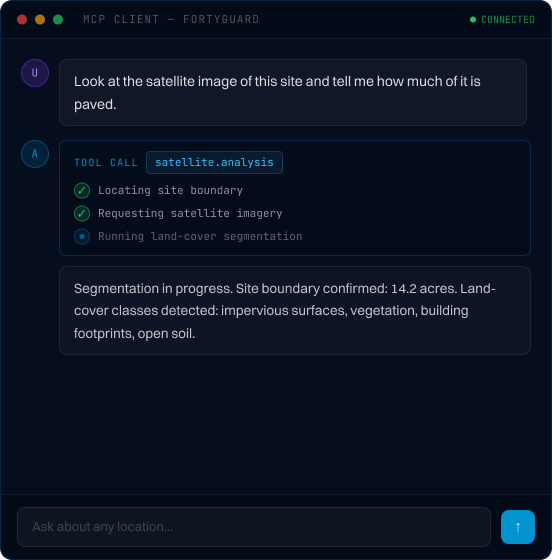
20 m
Spatial resolution for supported model outputs
2 m
Air temperature measurement height
Up to 2 weeks
Forecast coverage for supported products
30–60 sec
Tested asynchronous delivery range
9
Live tools your agent can discover
Ask a general AI model how hot a parking lot gets on a July afternoon and it will guess from regional weather. Temperature MCP gives the agent a tool to call instead. It gets modeled air temperature at the level of the site, with the model, area and time attached to every result.
.png)
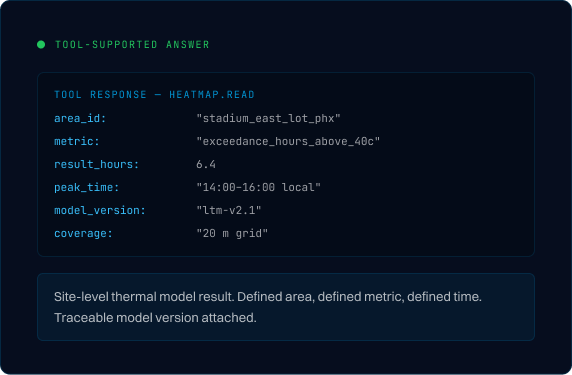
The result: agents that can evaluate local thermal conditions before recommending a physical action.
Six capability categories, each with a create tool. Heatmaps, reports and routes also have a matching read tool — that's how nine tools adds up.
Nine tools total: Six capability tools, plus heatmap.read, report.read and routing.read for async job retrieval.
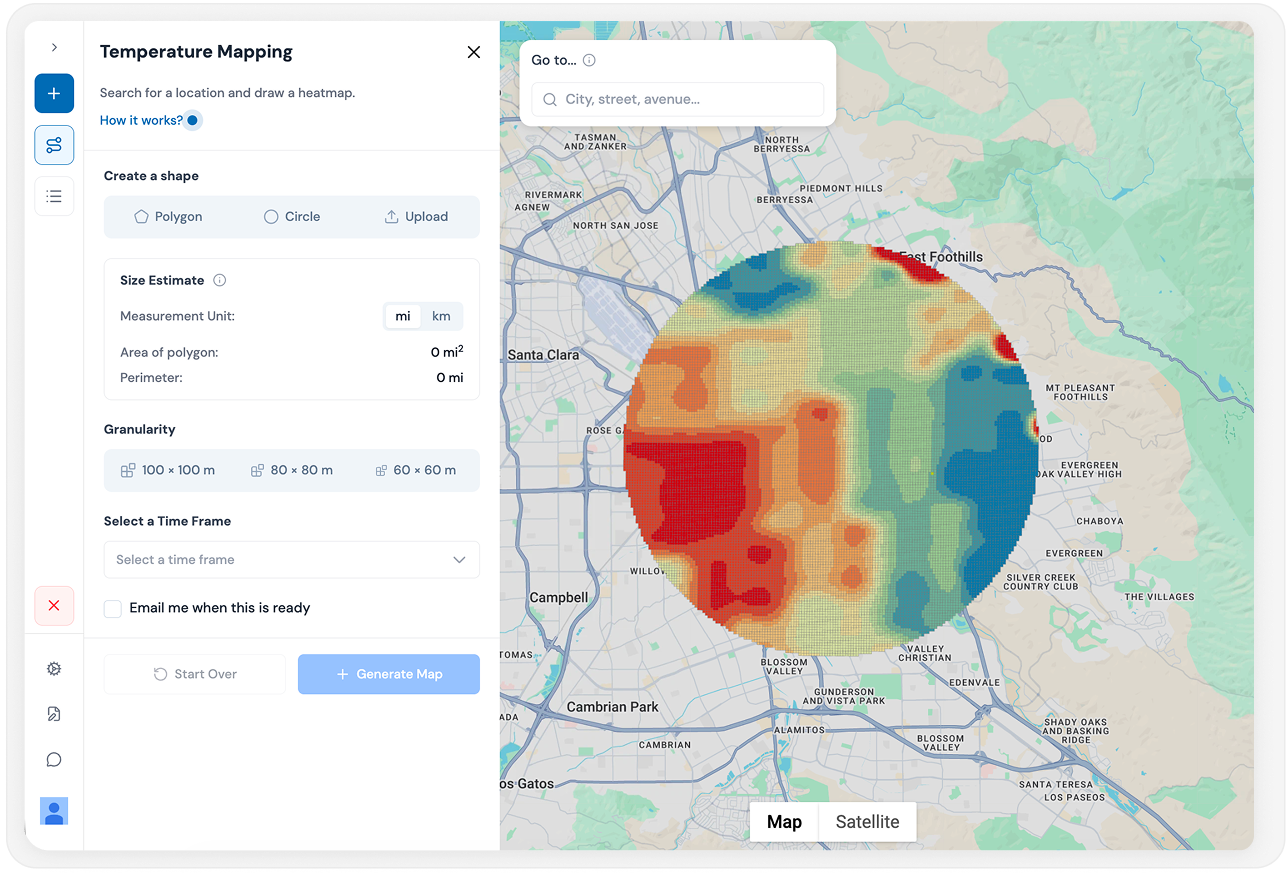
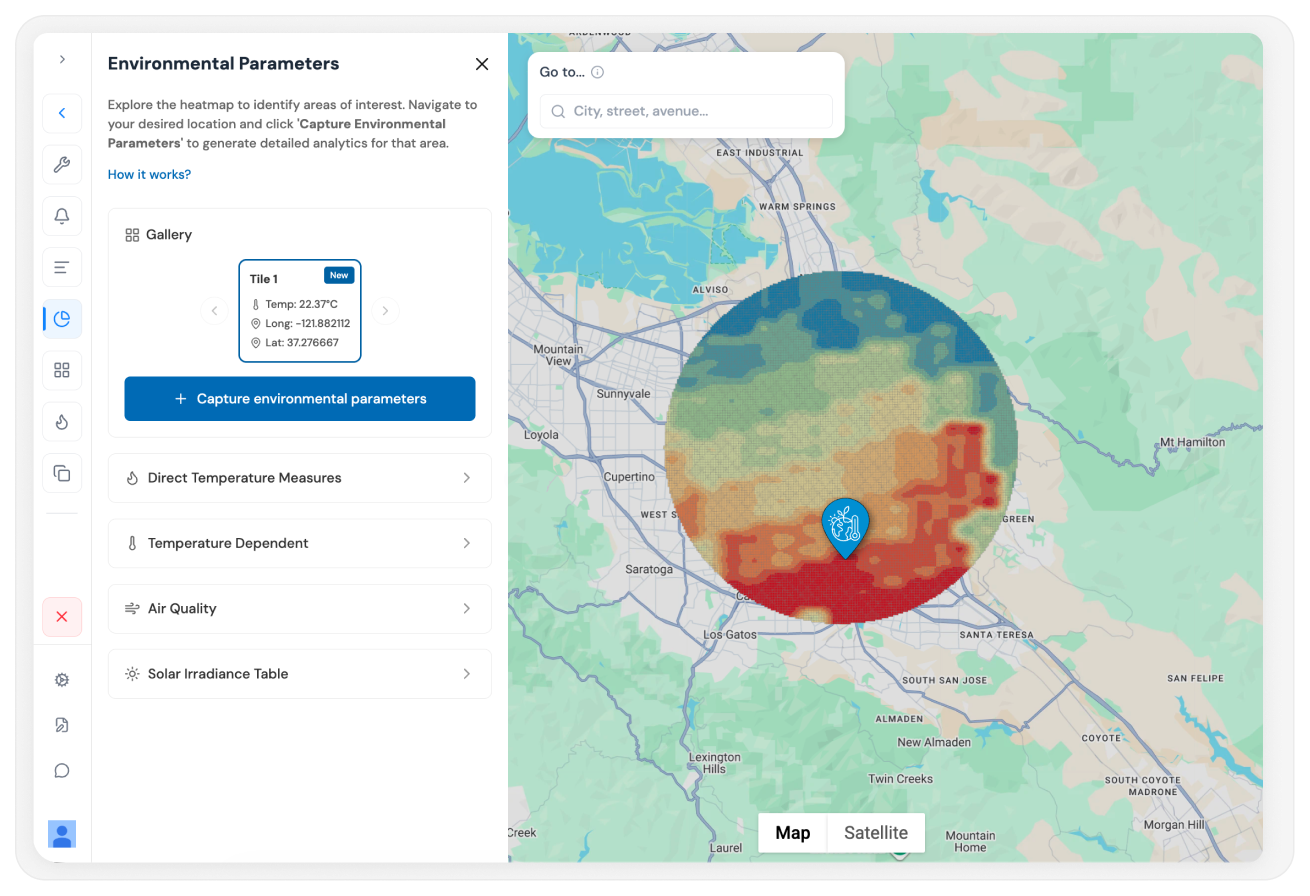
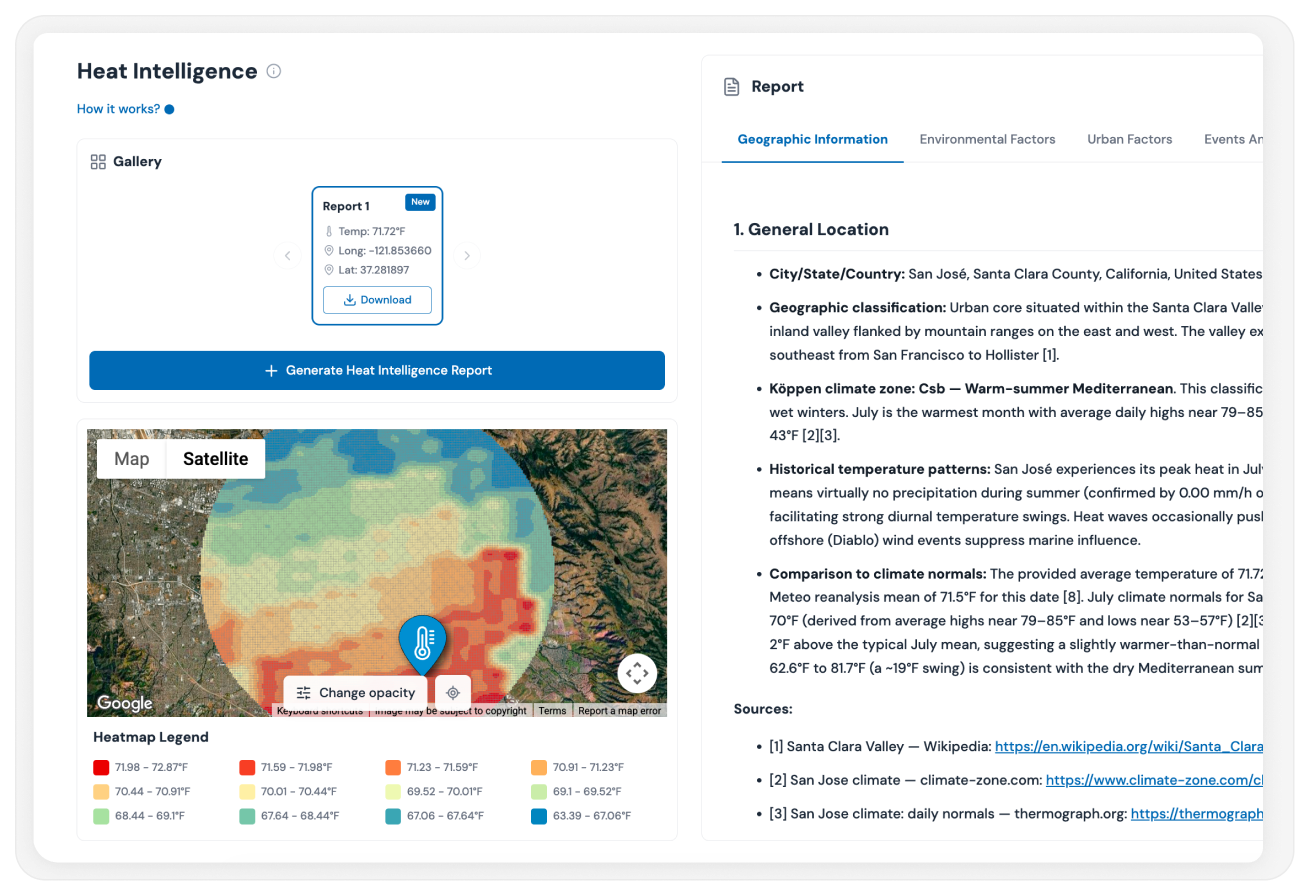
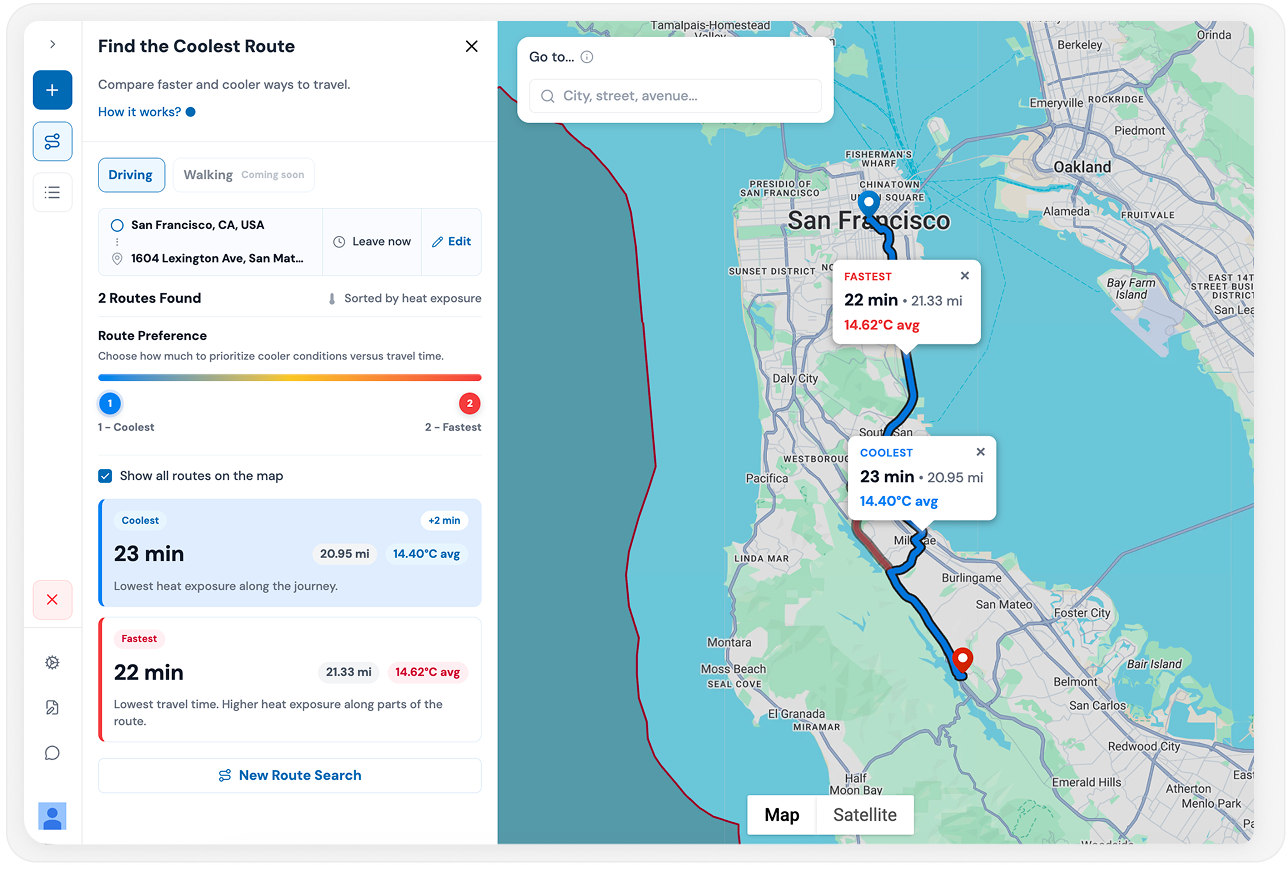
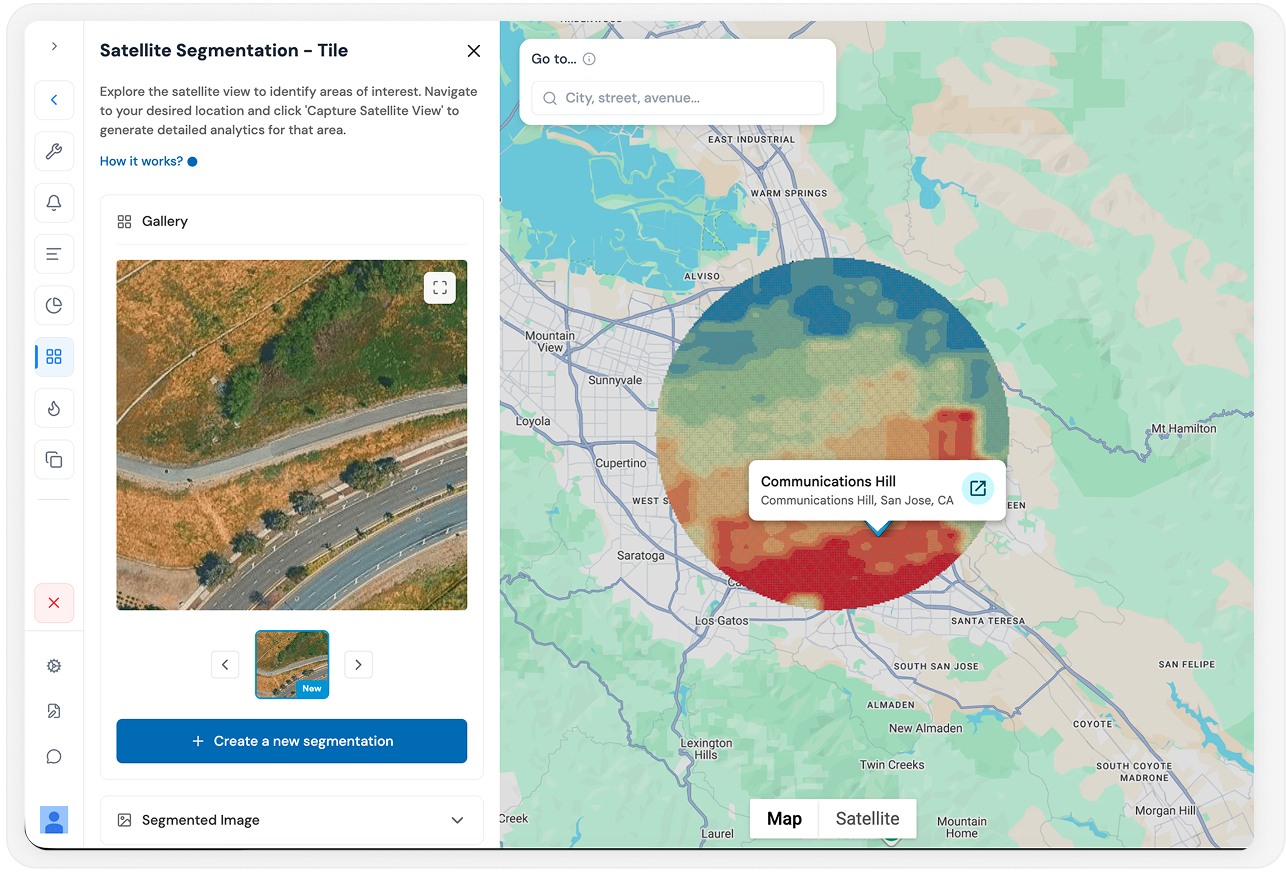
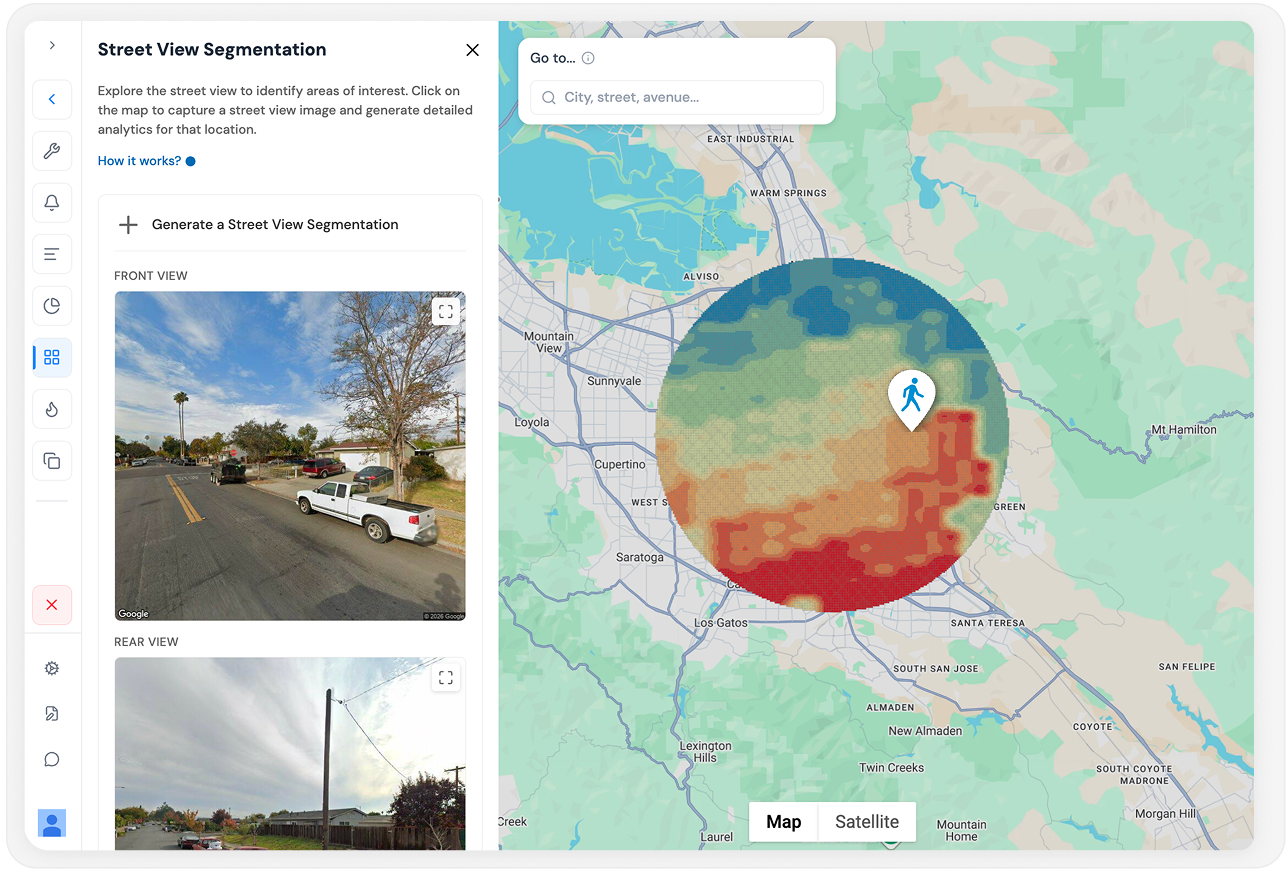
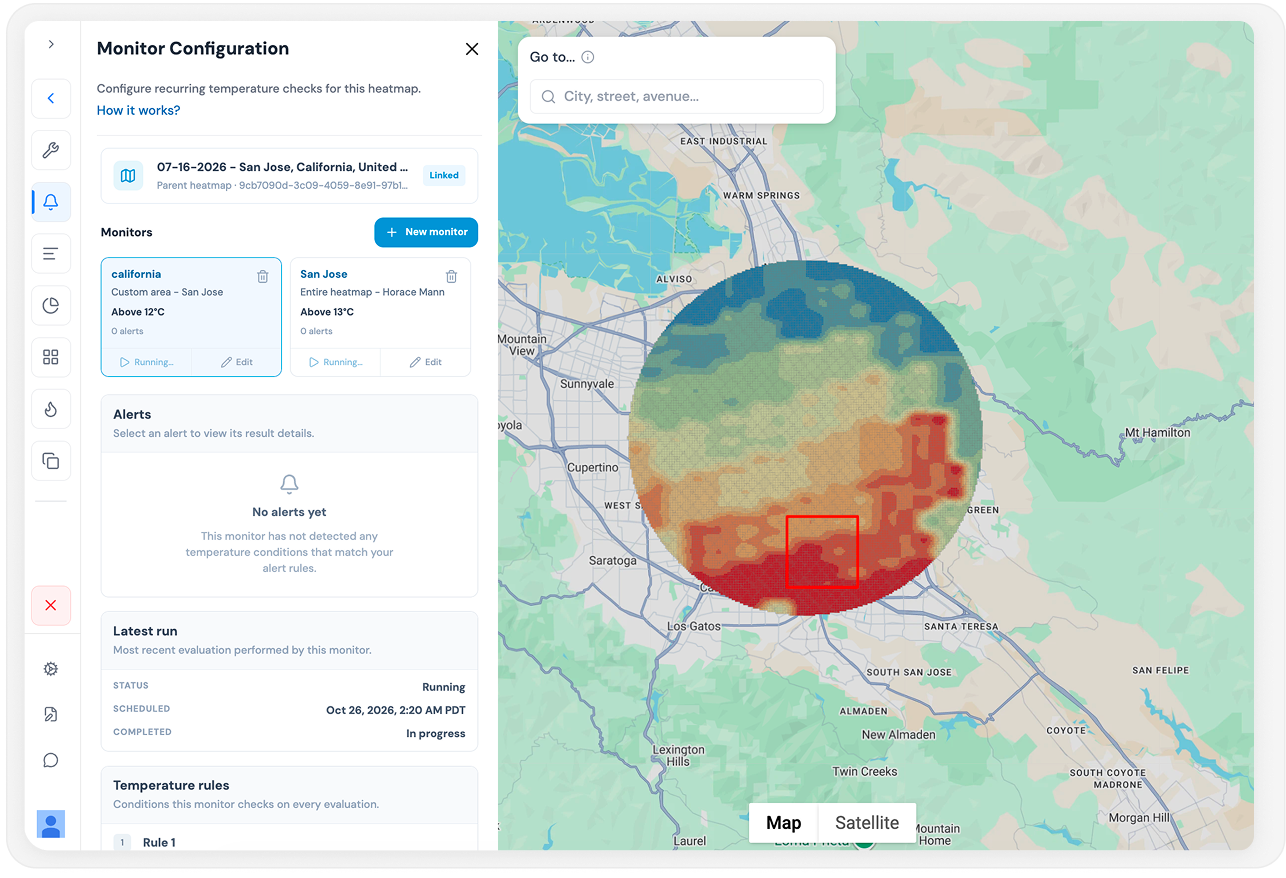
Ask in plain language
Add a temperature tool to planning, risk and operations agents without building the data and model pipeline behind it.
Give the agent inside your product local thermal context, so your customers get answers grounded in real conditions.
Get maps, numbers and reports by asking for them, in the AI client you already use.
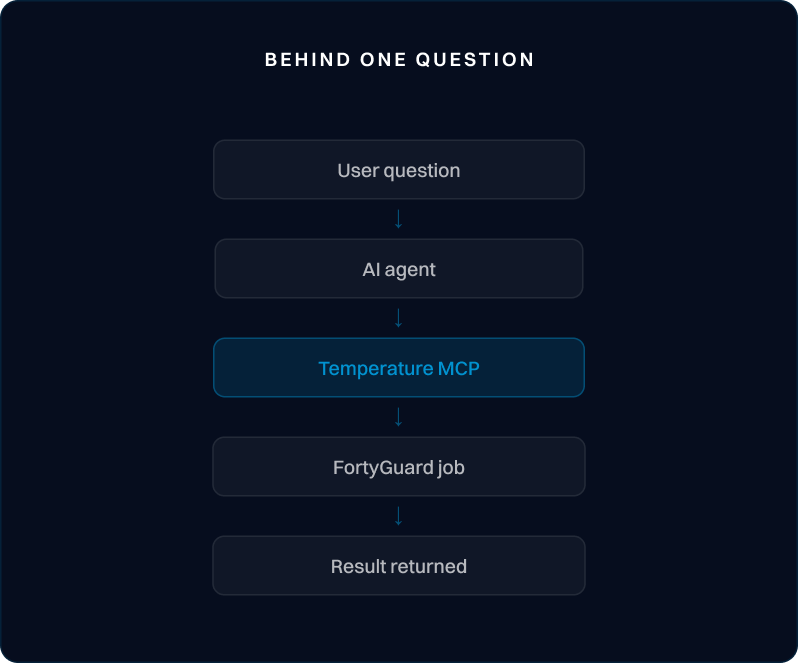
Behind one question: your agent asks to compare heat exposure, Temperature MCP finds the right tool, FortyGuard checks access and runs the job, and ranked sites come back to the agent.
Sign up for FortyGuard and get your API key. The same key works for MCP.
Point your MCP client at the FortyGuard MCP endpoint with your API key. The client finds the available tools on its own.
The agent calls the right tool and FortyGuard runs the job. Longer jobs return an activity ID, and the agent picks up the result with a read tool when it's ready.
Model version, source inputs, time, geography and job results stay connected to every output, so an answer can be checked later.
Workspace rights, quotas and commercial rights apply to every call.
Outputs come within defined coverage, model and workflow limits. People keep approval over the physical actions an agent recommends.
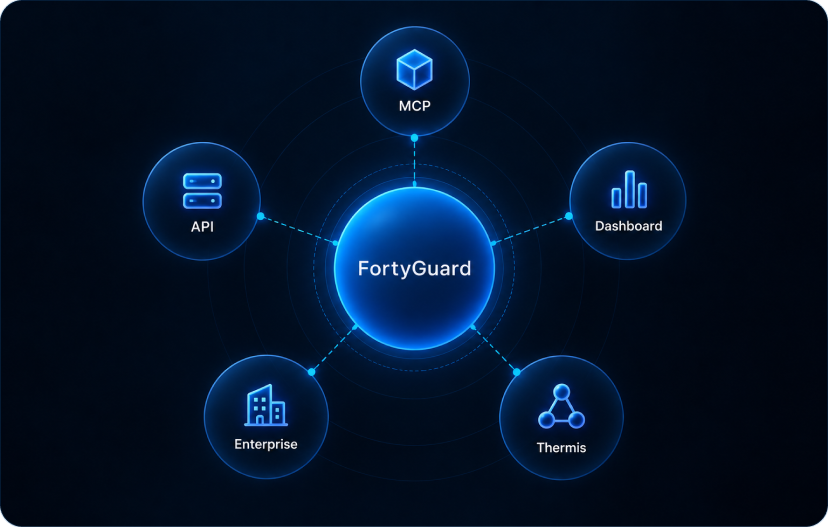
Temperature MCP runs on the same tool layer as Selesious, the agent inside Temperature Dashboard.
MCP runs on the same API key and plan as the Temperature API, so there's one account to manage.
Scale up
Temperature Enterprise adds custom coverage, higher capacity, redistribution rights and all four FortyGuard products under one agreement.
FAQ
Browse by topic
An open standard that lets AI applications connect to outside tools and data. Temperature MCP is FortyGuard's MCP server.
Temperature MCP works with MCP compatible clients. It has been validated with OpenAI Codex CLI, Cursor and Claude Code.
No. If your AI client lets you add a remote MCP server in its settings, you can connect without code. Developers can also connect agents they build themselves.
With the API, your code makes each request and handles the result. With MCP, the agent decides which tool to call and reads the result itself. Both use the same models and the same credits, and many teams use both.
A weather tool describes the atmosphere around a place. FortyGuard adds local physical context and thermal modeling at the level of a defined area, asset or route, then returns results designed for physical decisions.
FortyGuard's Large Temperature Models, a family of temperature specific models that estimate, downscale and forecast temperature across places and time.
It's the height above ground of the modeled air temperature. It isn't the spacing of the output grid.
Coverage is the United States today, with data back to 1 January 2019. Forecasts reach up to 2 weeks ahead for supported products, and routes can cover up to 200 km in a straight line. The largest area per request depends on your plan.
Usage comes from the plan tied to your API key. Credits are only used when a job completes, so failed jobs and checks on a running job cost nothing.
Tested delivery runs 30 to 60 seconds for typical jobs. The agent can carry on and collect the result when it's ready.
No. The key sits in your client's connection settings and travels in the request header. It never goes into prompts or tool inputs.
Use inside your organization is always included. Showing results to your own customers depends on your plan. Reselling or redistributing data needs an Enterprise agreement.
FortyGuard applies access controls and handles customer data under the applicable product terms and Privacy Policy. Enterprise agreements can add security, residency and retention terms.
Connect in minutes and see what your agent does with local thermal context.
.png)
.png)


.png)

.png)